Using JSON to fill PDF in C# and .NET
Filling out PDF forms programmatically can save a lot of time and effort, especially when dealing with large datasets. In this article, we will explore how to fill out a PDF form using data from a JSON file with C# and .NET. We will use the SautinSoft PDF .Net library to achieve this. Using JSON as a data source, you can easily integrate data from various systems and databases, and then convert it to PDF format for easy viewing and distribution.
For example, we present to your attention a step-by-step guide. This process includes deserializing JSON data, uploading a document template, performing data merging, and saving the final document in PDF format:
- Add SautinSoft.PDF from NuGet.
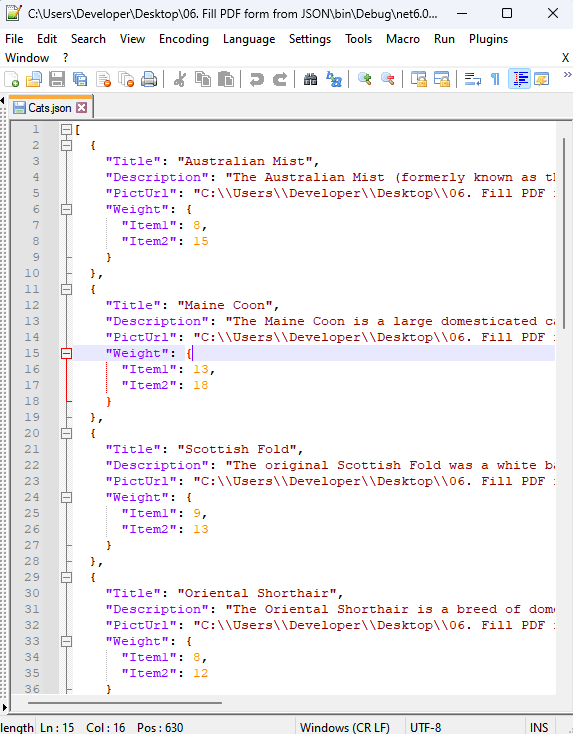
- Create a JSON file with brief characteristics of the "Cat Breed".
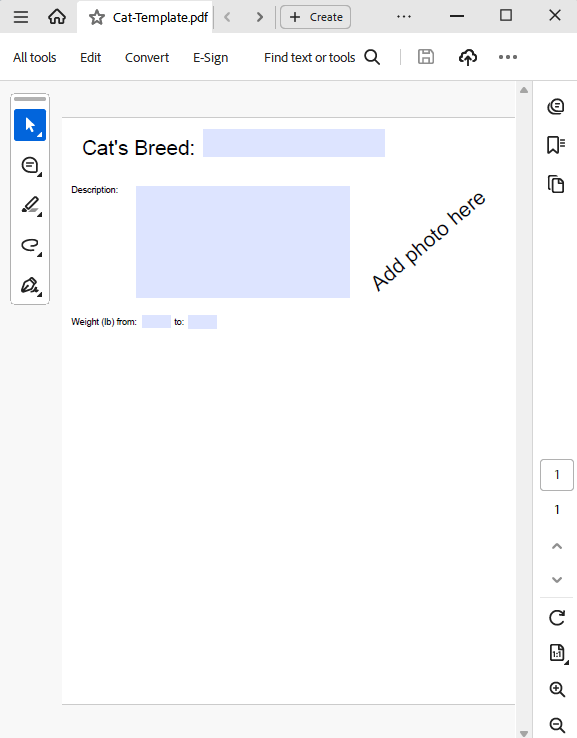
- Upload the template that we will fill out from JSON.
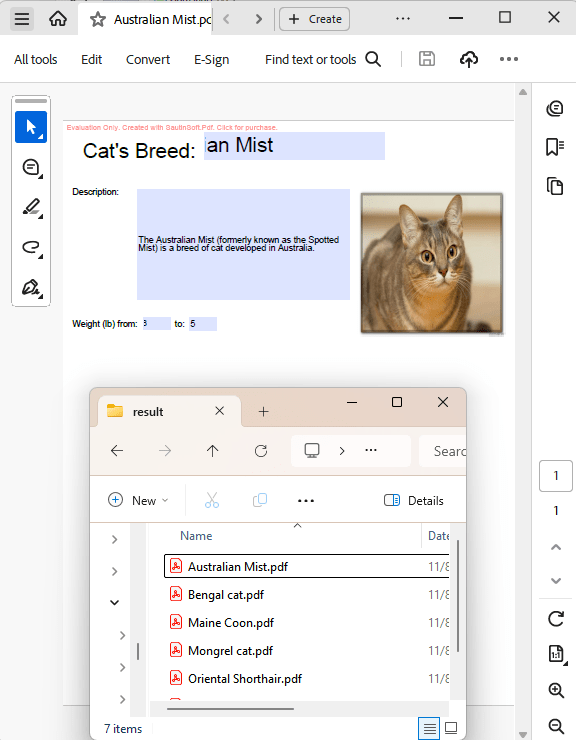
- Combine the template with the data source and save it to a separate PDF.
Input file:
Intermediate file:
Output result:
Complete code
 GitHub